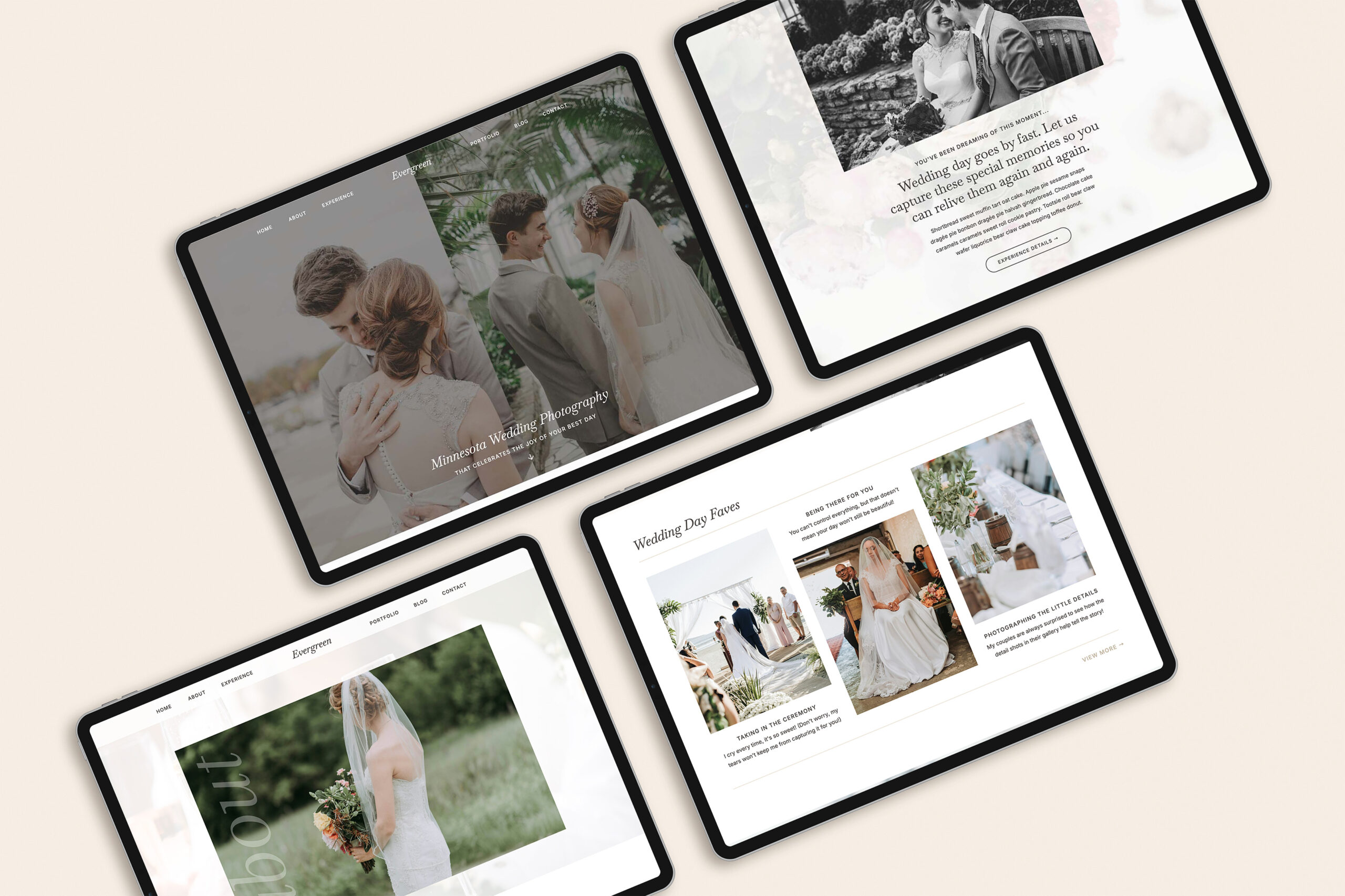

If you’re customizing a Showit template for the first time, it’s completely normal to miss a few things along the way. Templates make design easier — but your input is still needed to create a ready-to-launch site that works for your business.
Here are some of the most common Showit template customization mistakes I see, why they matter, and what to do instead. Most of these mistakes are simple to fix once you know what to look for! (And no shame if you’ve done any of these things, you’re definitely not alone).

1. Not Cleaning Up Mobile
Showit gives you full control over customizing your website’s mobile design. It doesn’t have to look exactly like the desktop version. This is great for mobile experience, but also means that you need to make sure to check mobile for anything that needs adjusting.
Why it matters:
A large percentage of your visitors will view your site on their phone. If text is cut off, spacing feels awkward, or sections don’t flow well, people are more likely to leave quickly.
What to do instead:
After customizing desktop, always switch to mobile view and:
- Make sure that no elements are out of place
- Adjust spacing and font sizes as needed
- Hide anything that feels unnecessary on mobile
Think of mobile as its own design step, not an afterthought.
2. Skipping Basic SEO
SEO can feel intimidating, so many beginners skip it entirely — especially when they’re eager to launch. This is a mistake because even though it might sound boring, SEO plays an important role in helping your website be discoverable. I got my first-ever Showit client thanks to SEO!
Why it matters:
Basic SEO helps search engines understand your site, which makes it easier for the right people to find you over time.
What to do instead:
You don’t need advanced strategies to start. Focus on foundational things like:
- Updating page titles and meta descriptions
- Using clear headings on each page
- Naming images thoughtfully
A few intentional steps go a long way.
3. Using Generic or Placeholder Wording
It can feel tempting to leave template copy mostly as-is (writer’s block is real, y’all!). While some things like your navigation buttons don’t have to be renamed, it’s important to add your touch to key areas like headlines.
Why it matters:
Generic wording doesn’t help visitors understand who you’re for, what you offer, or why they should work with you.
What to do instead:
Aim for clarity over cleverness. Even simple, straightforward language that reflects your real voice is more effective than polished but vague copy.
Your website doesn’t need to sound perfect — it needs to sound like you.
4. No Clear Next Steps
A beautiful website can still fall flat if visitors don’t know what to do next.
Why it matters:
If your site doesn’t guide people, they’ll often leave without taking action — even if they’re interested.
What to do instead:
Make your calls to action obvious and consistent. Examples include:
- Inquire
- Download a free resource
- View services or templates
Every page should gently guide visitors toward one clear next step.
5. Not Showing Your Face Anywhere
Many business owners avoid being in their photos, especially early on — and that’s more common than you might think.
Why it matters:
People connect with people. Seeing your face helps build trust and makes your brand feel more personal and approachable.
What to do instead:
You don’t need a full brand shoot to start. Even one or two relaxed, on-brand photos of you can make a big difference. You can still supplement with high-quality stock photos as needed.
Start where you are, and update as your business grows.
A Simple Way to Avoid These Mistakes
If you want extra support while customizing your site, my free DIY Website Checklist walks you through each step in the right order — including mobile cleanup, basic SEO, and final review before launch.


©️ 2019-2026 MAYA PALMER DESIGNS L.L.C. | POLICIES | PHOTOGRAPHY CREDIT

